Career Insights
Where to Upload Resume in LinkedIn: 3 Options and Where Recruiters See It
LinkedIn has three ways to upload a resume and they work very differently. Here is exactly where to upload, who can see it, and what to check before sharing your document.
By Kavya · 24 Oct 2026
Quick Answer: To upload a resume on LinkedIn, go to Jobs → Preferences → Resumes and application data → Upload resume. This saves the resume for future LinkedIn job applications. To share it with an employer, upload it during an Easy Apply application. To let profile visitors download it, add it to your Featured section.
LinkedIn lets you upload a resume for future job applications, attach it to a specific application, or display it on your profile for visitors to view and download.
But these options work differently.
A resume saved for job applications is not the same as a resume displayed on your public LinkedIn profile. Each option has different visibility, privacy implications, and uses.
If you are looking for jobs in India and want recruiters to understand your experience, knowing where to upload resume in LinkedIn and what recruiters can actually see is important.
In this guide, you will learn where to upload your resume, how each option works, where recruiters can see it, and what to check before sharing your document.
Where to Upload Resume in LinkedIn: 3 Main Options
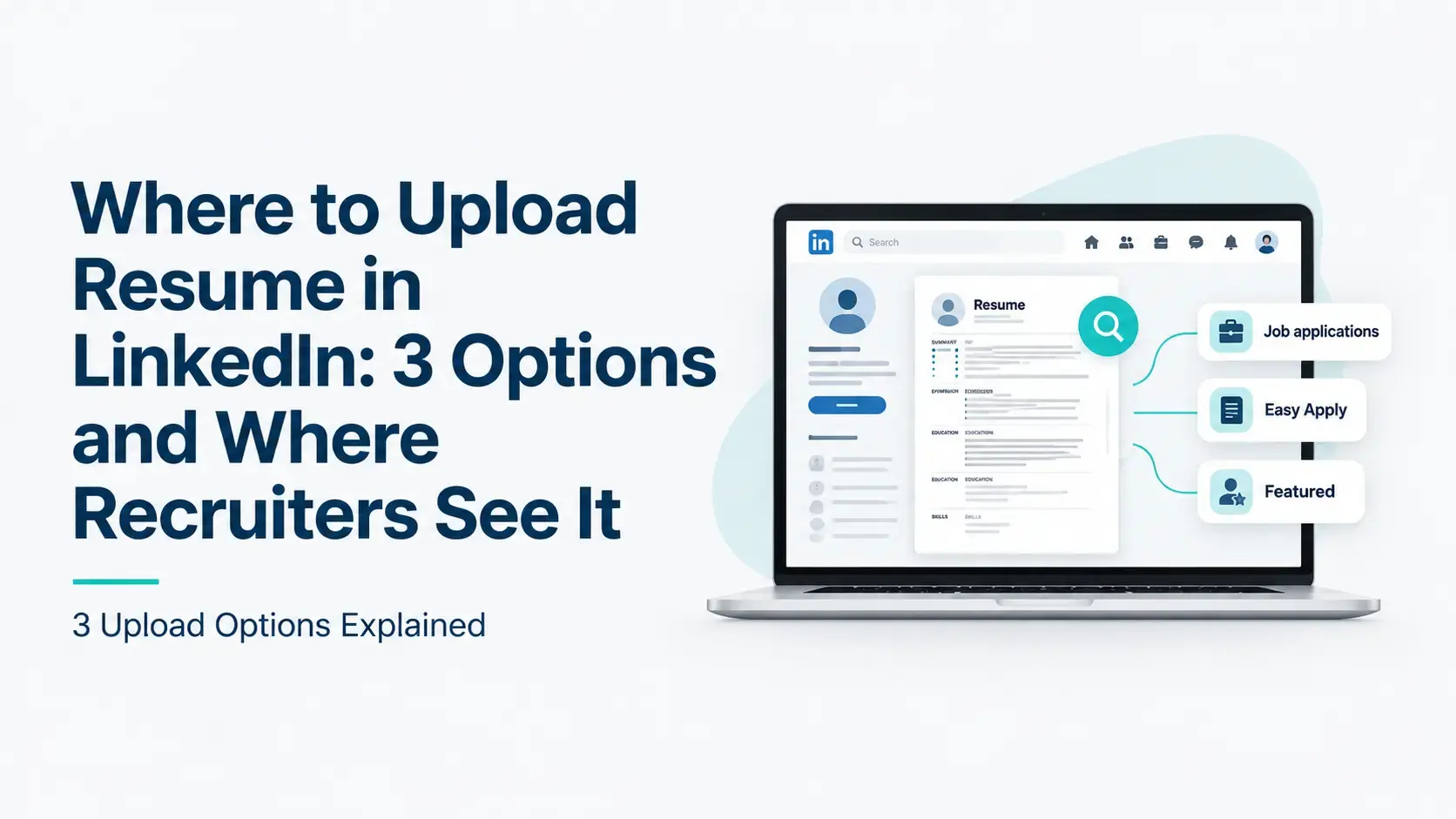
LinkedIn offers three main ways to upload or share your resume.
Method | Main purpose | Who may see it? |
|---|---|---|
Job Application Settings | Save your resume for future applications | Stored in your account; recruiter visibility depends on your sharing settings |
Easy Apply | Submit your resume for a specific job | The employer or hirer receiving that application |
Featured section on your profile | Display your resume for profile visitors | People who can view your profile or Featured content; it may also be visible outside LinkedIn |
In short: save a resume for future applications, upload it through Easy Apply to send it to a specific employer, and add it to Featured only if you want profile visitors to download it.
LinkedIn confirms that a resume uploaded to your profile cannot be used as the resume attachment for job applications. Use the job application options when you want to apply for jobs.
LinkedIn Official reference: Upload your resume to LinkedIn | LinkedIn Help
How to Upload a Resume for Future LinkedIn Job Applications
This is useful if you regularly apply through LinkedIn and want to reuse your resume instead of uploading it every time.
Steps to upload your resume
Sign in to your LinkedIn account.
Open the Jobs section.
Select Preferences.
Open Resumes and application data.
Find the resume section and select Upload resume.
Choose the resume file from your computer.
Review the available resume-saving and sharing settings.
LinkedIn may retain your four most recently uploaded resumes so you can reuse them for future applications. The exact menu labels may vary as LinkedIn updates its interface.
Important: Saving a resume in your account does not automatically display it as a downloadable document on your public profile. However, LinkedIn may use saved resume information for job recommendations and recruiter-facing features, depending on your settings and LinkedIn's policies.
LinkedIn Official reference: Visibility and usage of your uploaded resume | LinkedIn Help
How to Add a Resume When Applying Through LinkedIn Easy Apply
If you find a suitable vacancy and want to submit your resume directly through LinkedIn, follow these steps.
Step-by-step instructions
Open LinkedIn and go to Jobs.
Search for a job that matches your experience.
Open the job posting.
Select Easy Apply, if available.
Complete the requested application details.
Find the resume upload section.
Select an existing saved resume or upload a new one.
Review the application and submit it.
LinkedIn's Help documentation recommends using a PDF or Microsoft Word document. Check LinkedIn's current file requirements before uploading, as platform limits and supported formats can change.
If the job listing shows Apply instead of Easy Apply, you may be redirected to the employer's website or another job portal. In that case, follow the application instructions on that website.
Where does your resume go after you apply?
When you submit a resume through a LinkedIn job application, it is shared with the hirer for that application. That does not mean every recruiter on LinkedIn automatically receives your full resume.
Check your application carefully before submitting it. LinkedIn notes that you cannot reopen an application to attach a missing resume or reapply to the same job posting through the same application flow.
Where to Add a Resume on Your LinkedIn Profile
If you want someone visiting your LinkedIn profile to view or download your resume, you can add it to the Featured section. This is different from saving a resume for job applications.
How to add your resume to Featured
Open your LinkedIn profile.
Find Add profile section, if displayed.
Open the recommended or additional sections and locate Featured.
Add a document or media item using the available option.
Upload your resume file.
Add a clear title, such as Resume — Java Backend Developer or Resume — Business Analyst.
Review how the item appears on your profile.
LinkedIn's interface may differ by account and device. If the Featured section is already present, use its editing controls to add your document.
Who can see a resume in Featured?
A resume added to Featured is visible to anyone who can view your profile or the post containing it. It may also be visible outside LinkedIn.
Before uploading it, check whether it contains personal information you do not want to make public.
For many job seekers, keeping a resume available for applications is enough. A public resume is an additional choice, not a requirement for using LinkedIn to find work.
Where Do Recruiters See Your Resume on LinkedIn?
Uploading a resume does not guarantee that recruiters will see it. Visibility depends on where you upload it, the settings you choose, how the employer uses LinkedIn's recruiting products, and whether your experience matches the role.
When you apply through Easy Apply The hirer receives the resume you submit with that application. It is available in the context of that application.
When you save a resume in your account LinkedIn can retain your resume for future applications. If you have enabled Share resume data with hirers, LinkedIn may use information from your saved resume in recruiter-facing features that show how your qualifications match a job. Recruiters still do not automatically receive your full resume unless you apply for a role or share it with them directly.
When you upload a resume to Featured People who can view your profile or the Featured content may be able to open or download the document. This is not the same as sending your resume to a particular recruiter.
When you have a LinkedIn profile but no uploaded resume Recruiters may still discover you through your profile, depending on their search criteria and the information available on your profile. Your headline, skills, experience, location, and other relevant details can help recruiters understand whether your background fits a role.
The takeaway: Resume uploads, recruiter data sharing, and profile visibility are related but separate. Do not assume that uploading a file makes your entire resume publicly searchable.
LinkedIn Official reference: Visibility and usage of your uploaded resume | LinkedIn Help
Should You Add Your Resume to Your LinkedIn Featured Section?
There is no single answer for everyone. Your decision should depend on how you use LinkedIn and how much information you want to make publicly available.
A public resume may be useful when:
You want profile visitors to download your resume
You are actively showcasing your work to potential employers or clients
You are comfortable sharing the contact details included in the document
Your resume is current and consistent with your LinkedIn profile
Keeping your resume for applications may be preferable when:
You are currently employed and want to be careful about sharing your job-search activity
Your resume contains a personal phone number or other details you do not want publicly accessible
You prefer to send a tailored resume to each employer
You want to keep different resume versions for different job targets
Neither option guarantees better recruiter visibility. Choose the option that fits your job-search strategy and privacy preferences.
What Should You Check Before Uploading Your Resume?
Before sharing your resume on LinkedIn, review it carefully.
Check your contact information Include professional contact details that you are comfortable sharing with the intended audience. Avoid unnecessary personal information such as your full residential address or sensitive identification details.
Use a clear file name A professional file name makes your document easier to identify. Examples:
Naveen_Java_Backend_Developer_Resume.pdf
Ramya_Business_Analyst_Resume.pdf
Keep your resume relevant to your target role If you are applying for a Java developer position, your resume should clearly show relevant Java experience, backend development skills, and project evidence where applicable. If you are targeting a Business Analyst role, highlight relevant requirements analysis, stakeholder communication, documentation, UAT, and process knowledge where these reflect your actual experience.
Do not use the same generic resume for every vacancy if the roles require substantially different skills.
Check your formatting Use a clear, readable structure with standard section headings, consistent dates, and concise bullet points. Make sure the uploaded file opens correctly and the text is readable.
Keep your LinkedIn profile consistent Your LinkedIn headline, experience, skills, and dates should broadly align with your resume. If you have changed roles, earned a certification, or updated your skills, review both documents before sharing them.
Does Uploading a Resume Improve LinkedIn Recruiter Visibility?
Uploading a resume can support your job-search process, but it is not a shortcut to recruiter attention.
LinkedIn provides options that allow recruiters to use shared resume information to understand how candidates match job qualifications. However, whether a recruiter finds or contacts you depends on multiple factors:
Your target job and relevant experience
Skills and qualifications required for the role
Your LinkedIn profile information
The recruiter's search criteria
Your resume-sharing settings
Competition from other candidates
In India's job market, where lakhs of candidates apply for the same roles, profile positioning on LinkedIn is often the deciding factor in whether a recruiter contacts you first.
A resume upload cannot compensate for a profile that does not clearly communicate your professional background. The better approach is to treat your resume and LinkedIn profile as complementary parts of your professional positioning.
How to Make Your LinkedIn Profile Work Alongside Your Resume
Uploading your resume is only one part of building a professional LinkedIn presence. Your profile should communicate your career direction even when a recruiter has not downloaded your resume.
Read our guide on how to write a LinkedIn headline and summary that gets recruiter views for a full breakdown of what each section needs to show.
Focus on these areas:
Headline: State your target role or professional specialization and include relevant skills where appropriate. See how recruiters search LinkedIn in India to understand exactly what your headline needs to show.
About section: Summarize your experience, core expertise, professional focus, and relevant achievements.
Experience: Describe your responsibilities and demonstrate your skills through real projects, contributions, and outcomes.
Skills: Add relevant skills that accurately reflect your experience and align with your target roles.
Job preferences: Keep your preferred job titles and locations current where these options are available.
Resume: Use a clear, updated version that supports the same career direction.
For example, a headline such as Software Engineer | Java | Spring Boot | REST APIs communicates a clearer professional focus than simply Looking for a Job — provided those technologies reflect your actual skills.
In India, recruiters at IT services companies, product startups, and BFSI firms search LinkedIn Recruiter and Naukri Resdex simultaneously. Your LinkedIn profile and Naukri profile should tell the same career story.